GNOMS

20/01/2025
back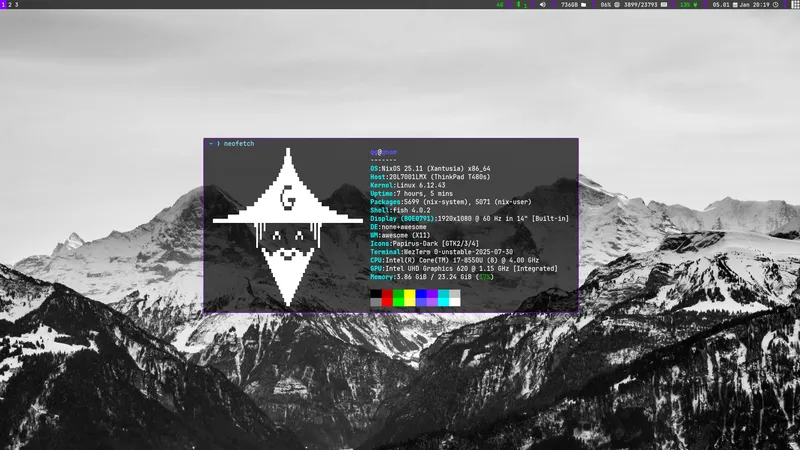
Over the course of about a year I have slowly built a system for managing my NixOS Linux setup. This system was initially inspired by LARBS, but went on to become something different. I hope others might find it useful and get to explore NixOS in a more forgiving way. Perhaps it can be a stable platform for building your own setups from.
Link to project.
NixOS
Firstly, what’s NixOS? NixOS is a distribution of Linux, like Ubuntu, Arch and Debian. Every distribution has something that sets it apart from the rest. Arch has rolling release and Debian is rock solid. NixOS is perhaps more special than most other distros in that it’s governed by a large config. This config determines everything from your bootloader to your Firefox theme and everything in between. It can handle all your dotfiles, programs and firewall settings. As long as you have this config, you have your entire system. One may therefore ask, if you already have an extensive management system for your whole system, then why the hell does GNOMS exist? A management system on top of an already extensive management system?
Indeed that’s exactly what I’ve built. Although NixOS already handles a lot, I don’t find it perfectly to my liking. Firstly it requires all files to be tracked in git, something that’s rather annoying as I don’t see the need to keep my hardware configuration in GitHub. Secondly having everything declared by a single config file is perhaps exactly how it sounds. One stupendously large and messy file. I would like to split my files into different sections as well as not having my dotfiles parsed to nix. I therefore want a system where I also keep my dotfiles as dotfiles for ease of use and ease of transfer to another system if needed in the future. In addition to all this. NixOS does not have a nice way of handling custom scripts. I like building some scripts and systems myself and want to store them with my config files as one large bulk.
Gerhard’s NixOS Management System or GNOMS for short is a system that does all this in a simple elegant way. The setup is easily installed from GitHub. To install it’s simply 3 lines on any NixOS system and you will have the exact same system as me. I also wanted to make it easy to customize, so you only need to change one file to make it uniquely yours. In the future I also hope to make a custom installer ISO.
Architecture
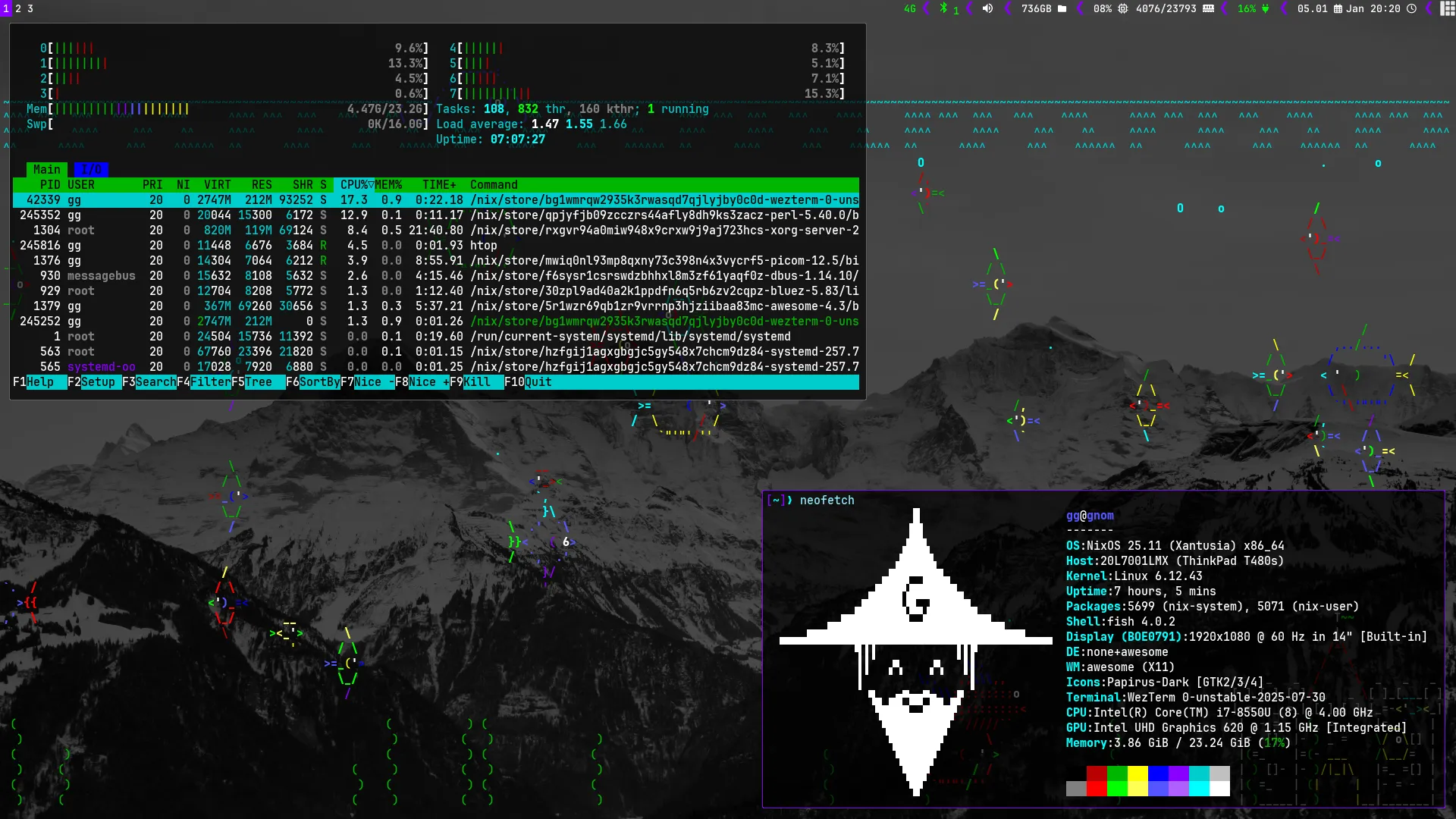
The idea was to have one folder on my machine handling everything. If this folder is tracked by git, then the whole system is saved and backed up. This folder could be anywhere, but I placed it in the user home directory. This folder contains 4 sub folders all handling some part of the system.
- /dotfiles : Everything rice and window manager specific.
- /nixos : Everything NixOS specific, and the main script.
- /personal : Programs, Wallpaper, username and more.
- /scripts : Custom scripts and systems.
dotfiles
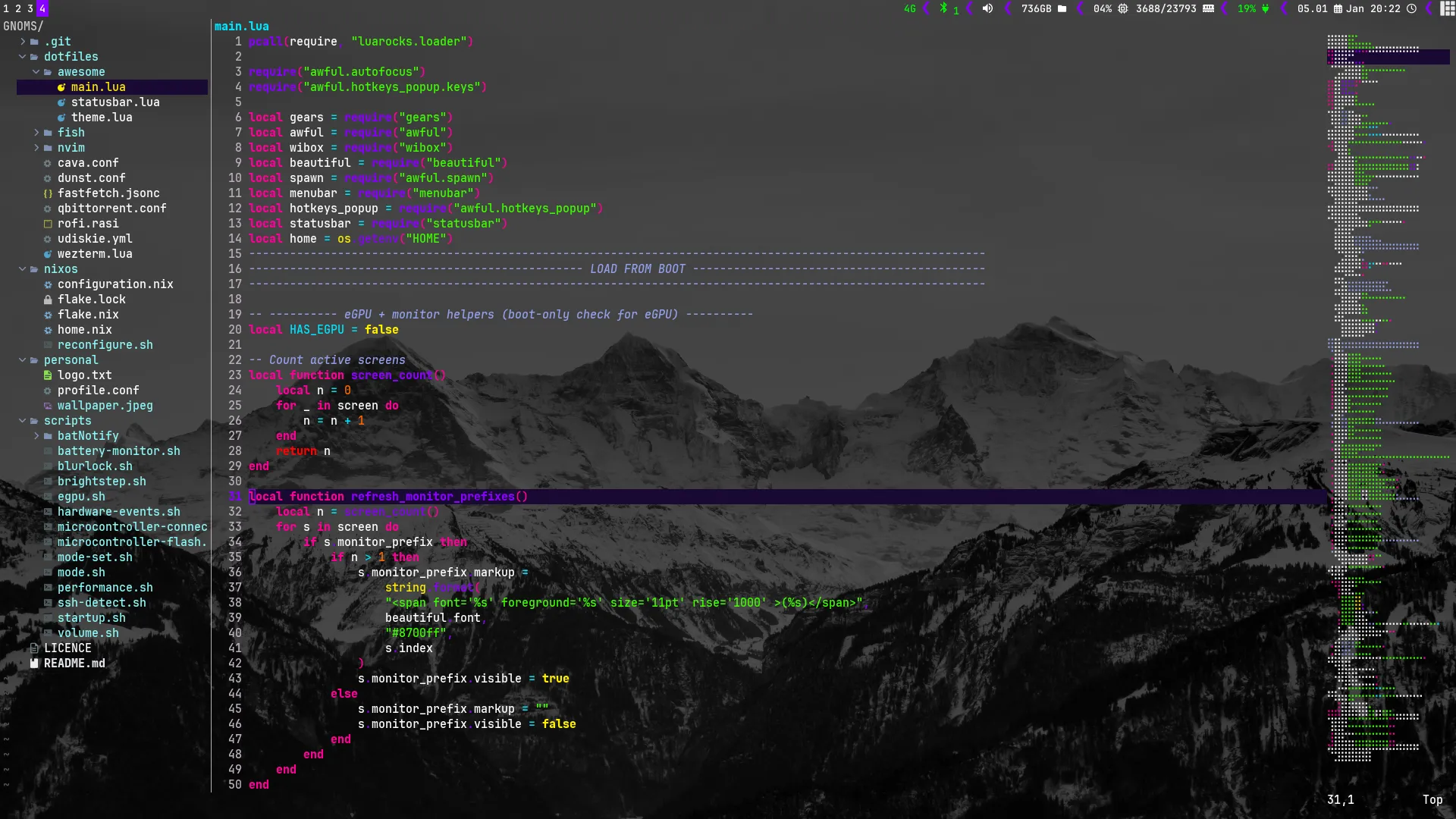
This folder is exactly as it sounds. It’s where the dotfiles live. If you want to jump over to Arch or any other distro, simply take this folder with you as you normally would. Although this is marketed as a manager system for NixOS, in reality half of the code and most of the time is spent on the AwesomeWM config. I have a minimalistic setup with some fun tweaks. The system preloads Firefox on every boot, meaning that opening Firefox will always be lightning fast on any old laptop. I also added a scrap functionality where closing a window simply places it in scrap to later be revivable with Super+z.
You may find all keybindings in the config file itself, but here are the most basic:
(Super = Windows key)
- “Super+Enter” -> opens terminal
- “Super+r” -> opens program finder (rofi)
- “Super+w” -> opens Firefox
- “Super+num” -> move to that workspace
nixos
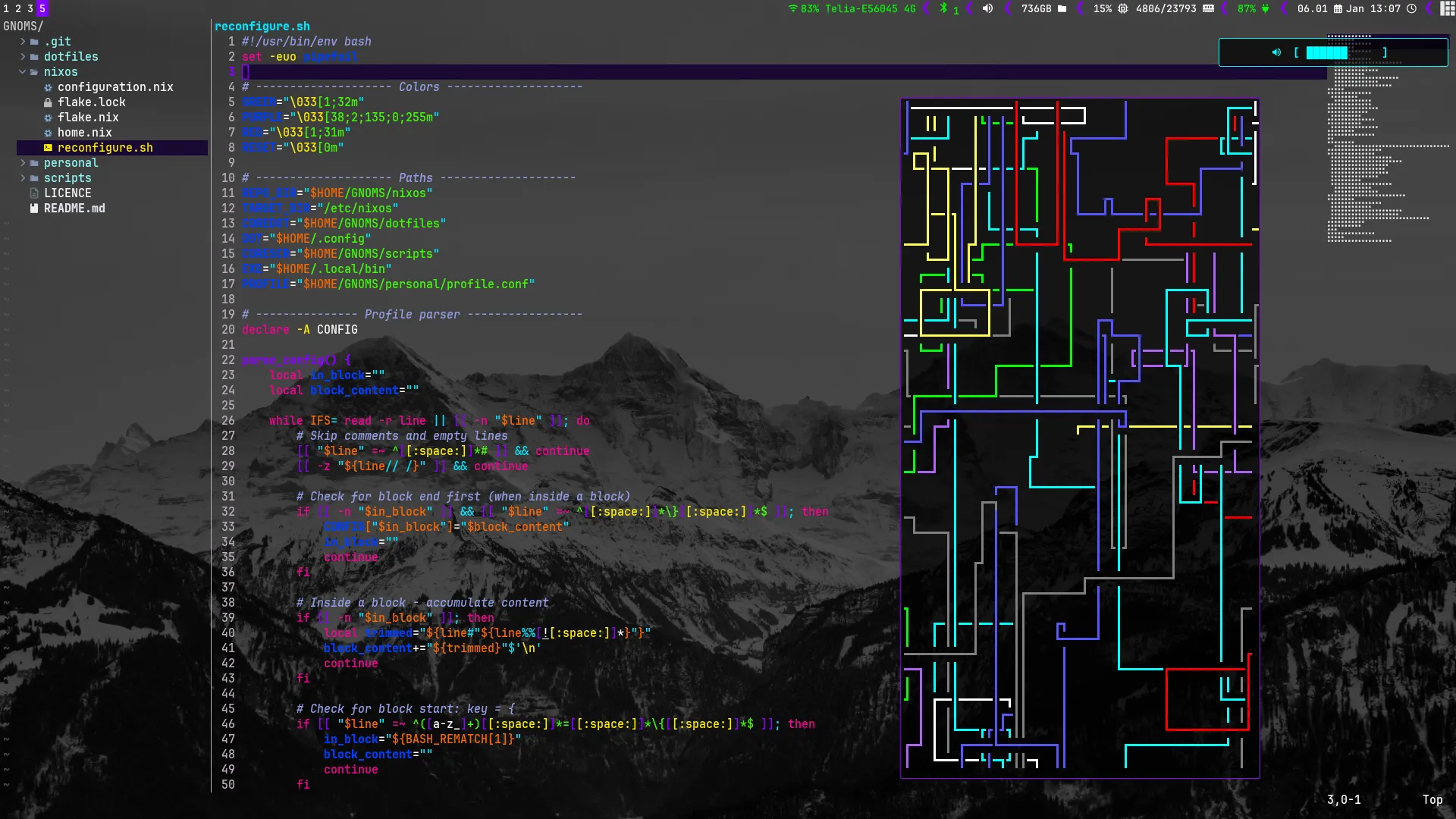
/nixos is the most important folder by far. It handles all configuration for the system itself. This is where home.nix and configuration.nix lives. All configurations like video drivers, bootloader, grub and such is configured here. If you want to touch something it’s probably not the best place to start. It also contains the flake and flake.lock, meaning it handles the current exact version of programs and the Linux kernel. Hardware configuration is autogenerated by nix and is not saved here. It simply lives on your machine. I don’t see any need to save it with the rest.
The system provides 4 functions in addition to keeping order.
reload: Syncs config files (dotfiles, scripts), restarts AwesomeWM if possible.rebuild: Copies the .nix files to/etc/nixos, runsnixos-rebuild switch, then reloads.update: Runsnix flake updateto update all packages to the latest version.upgrade: Combinesupdateandrebuild.
The script handling this also lives in this folder. Reconfigure.sh is the main script of GNOMS. Few of the files in the main GNOMS folder are themselves directly responsible for functionality. Most of them are copied to where they should be via this main script on reload. This also allows for placeholder values in the configuration files that later get replaced with real values. This way I can handle things like programs, usernames, and emails in the personal folder.
Personal
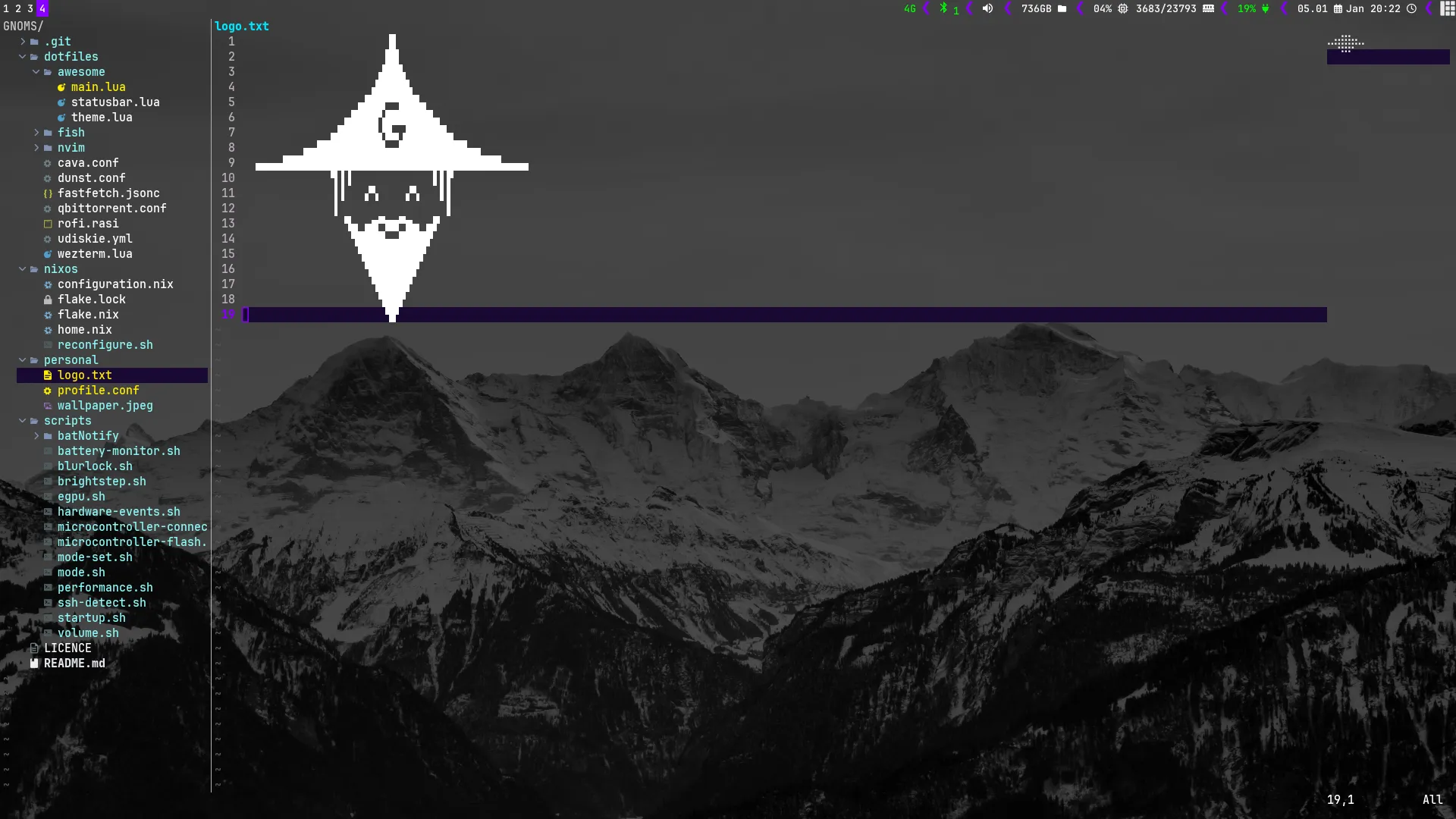
The personal folder is made purely to divide the system more to my liking. I don’t like having to enter the large configuration files for adding programs, and I would like to be able to quickly change my username without having to go through all the files in the system. I also wanted to make a way for someone unfamiliar with the system to quickly make it their own. Wallpaper and logo also live here. The profile.conf is easy to customize and expand upon. By far the simplest part of GNOMS.
Scripts
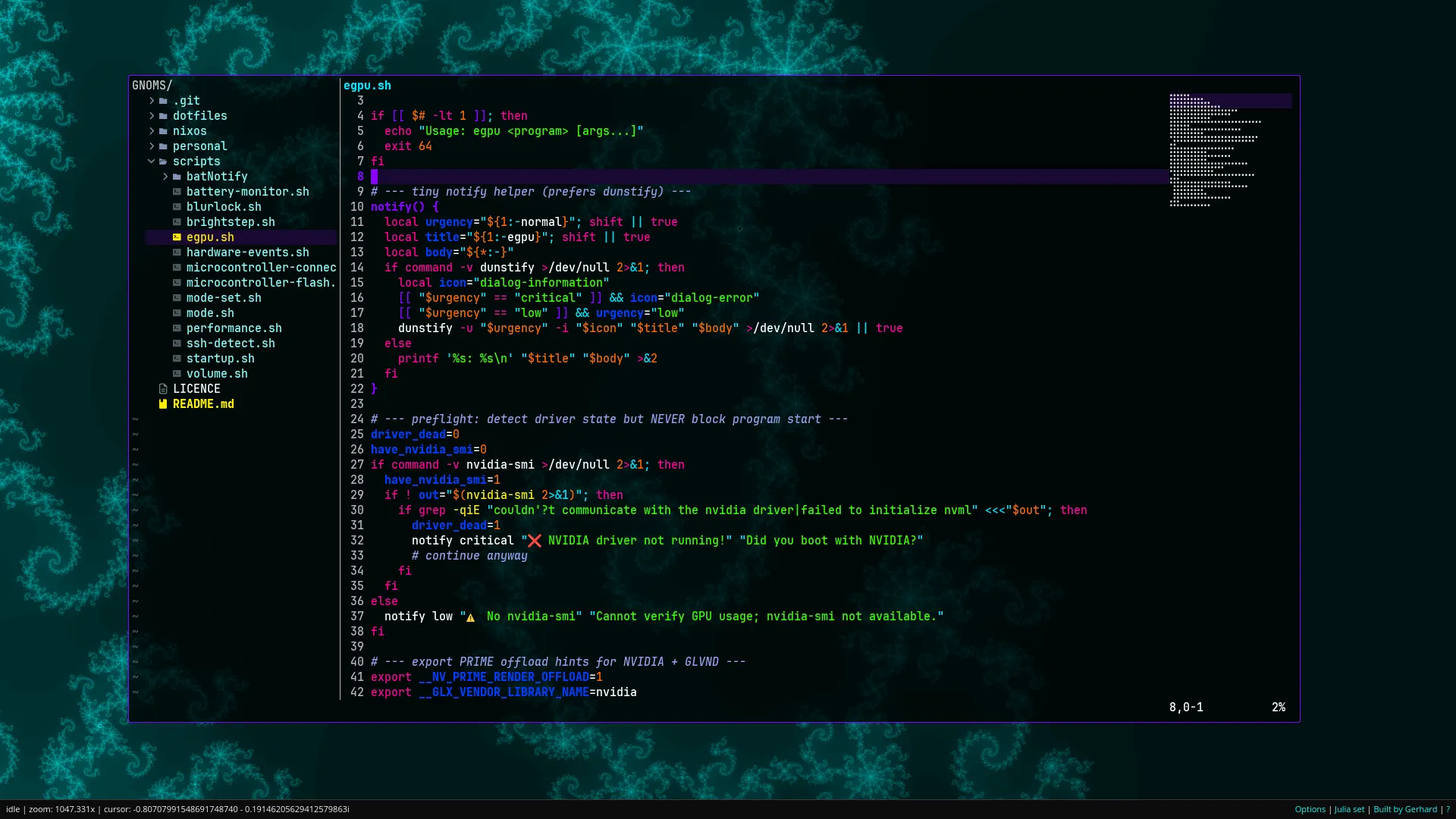
The system also manages a variety of custom scripts. All of these scripts live in the /scripts folder. This is the part of Linux customization I find really fun. Everything from volume handling and battery warning systems to monitor detection systems and auto-detection of microcontrollers is custom built, and most of it works well.
One specific system I spent a lot of time on is the mode switch system. I have found laptops going to sleep at the wrong time rather annoying, so I made 3 modes for any computer running my system. Either normal, server or performance. Typing mode server prevents sleep and allows incoming SSH sessions. mode performance changes CPU flags and uses the fan more aggressively. Although performance mode is rarely used, server mode has proved itself more useful than initially thought. I think the mode changing system works great. I used the server mode to turn an older laptop into a homelab.
Lastly I should quickly mention the eGPU capabilities of GNOMS. I have an NVIDIA eGPU that connects via Thunderbolt to the laptop. It took some real work to get it working, but it’s now neatly incorporated in GNOMS. Nix allows for different profiles at boot so the setup has one normal and one eGPU profile at boot. Simply choose the eGPU for any NVIDIA based system. Adding some other eGPU should be simple by looking over how I incorporated NVIDIA. I also added scripts handling running programs with the eGPU when available. This way I am finally able to play Minecraft with shaders.
Summary
So what is GNOMS? A way to store your entire computer system in one folder. It’s really that simple. If you keep this folder on github, you now have your whole computer system backed up on github. If you want to save your dotfiles, no need, they also live in the GNOMS folder. The project now lives on github for anyone to fork.
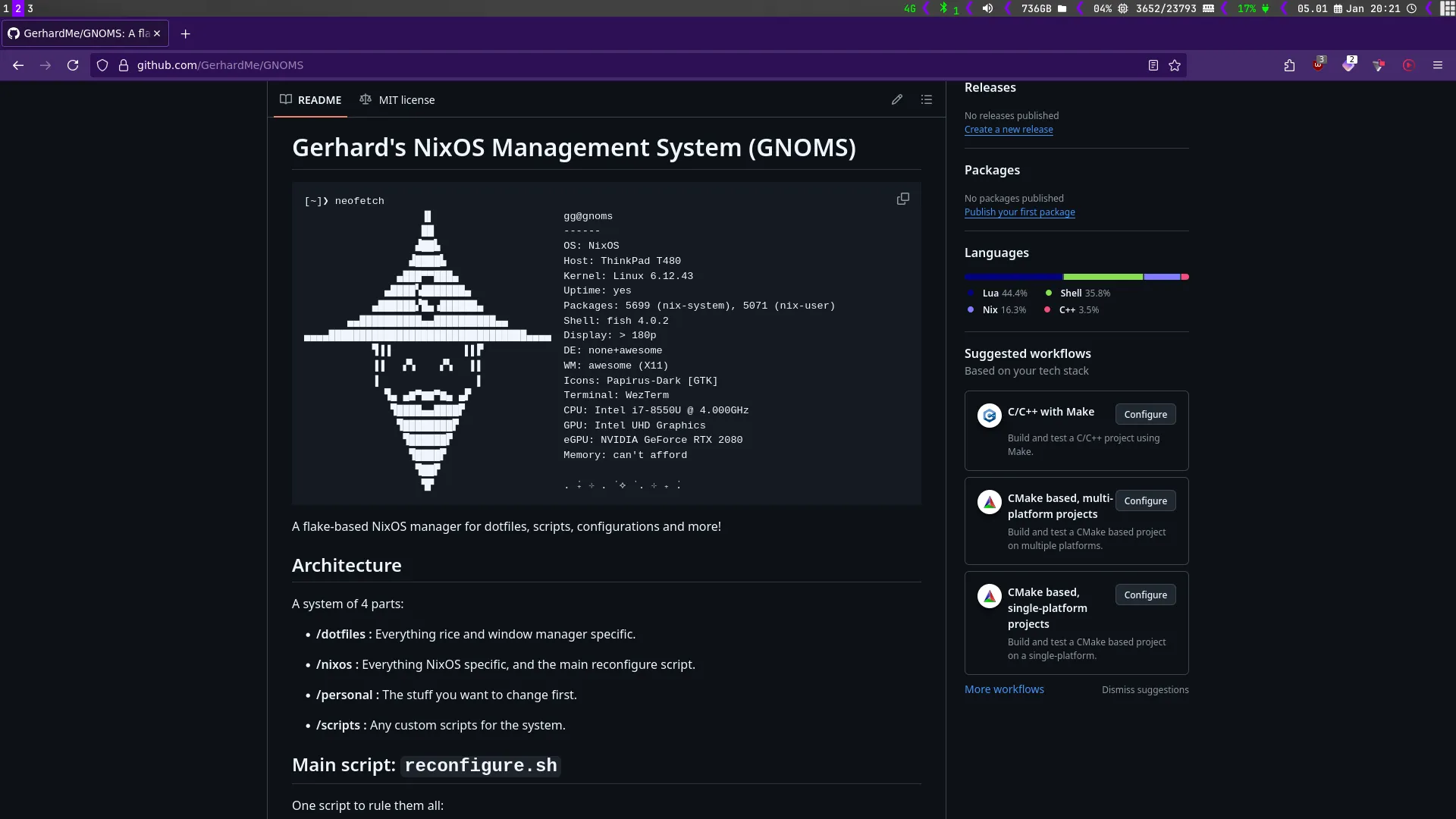
Check out the system yourself at GitHub/GNOMS!